Product Description
Smart Auto Reply Automation for Android
The app transforms your Android device into a fully automated communication assistant.
Instead of manually responding to every incoming message, the system can automatically:
- send custom SMS replies,
- activate responses by schedule,
- trigger replies when connected to Bluetooth,
- manage personalized contact lists,
- enable hands-free communication,
- reduce interruptions during important activities.
This makes the app useful for:
- business communication,
- customer availability management,
- after-hours support,
- productivity workflows,
- driving safety,
- vacations,
- sleep schedules,
- personal time management.
Unlike basic “out of office” tools, the app allows advanced automation logic and personalized response handling.
Who Uses SMS Auto Reply Apps?
The app is commonly used by:



and users who want fewer phone interruptions throughout the day.
Perfect for Small Businesses, Professionals & Personal Use
Business Owners & Entrepreneurs
Business owners and self-employed professionals can manage customer expectations, inform clients about availability, reduce distractions, save time, and automate repetitive communication.
“Hi, thanks for contacting us. We are currently unavailable but will respond during business hours.”
Professionals On The Go
Professionals who travel, attend meetings, work remotely, or spend long hours away from their desks can stay connected without constantly checking their phones.
Personal Use
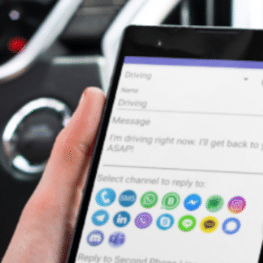
Use automatic replies while driving, sleeping, studying, relaxing, during workouts, on vacation, or whenever you prefer not to be disturbed.
Popular Auto Reply Workflows
After Hours
Respond outside office hours and keep customers informed.
“Thanks for contacting us. We are currently closed but will reply tomorrow morning.”
Vacation Mode
Let contacts know when you are away and when you expect to return.
“I’m currently on vacation and will respond after June 14.”
Meeting Mode
Reduce interruptions during meetings and focused work sessions.
“I’m currently in a meeting and will respond shortly.”
LeMi Apps for Realtors
Real estate professionals often receive inquiries during property showings, client meetings, driving, negotiations, and after business hours. The SMS Auto Reply App helps realtors instantly acknowledge incoming leads and maintain responsiveness while unavailable.
“Thanks for contacting us regarding the property inquiry. I’m currently with a client but will contact you shortly.”
- After-hours lead responses
- Property inquiry acknowledgments
- Driving auto replies
- Open house availability messages
- Keyword-based listing information
Core Features of the Android SMS Auto Reply App
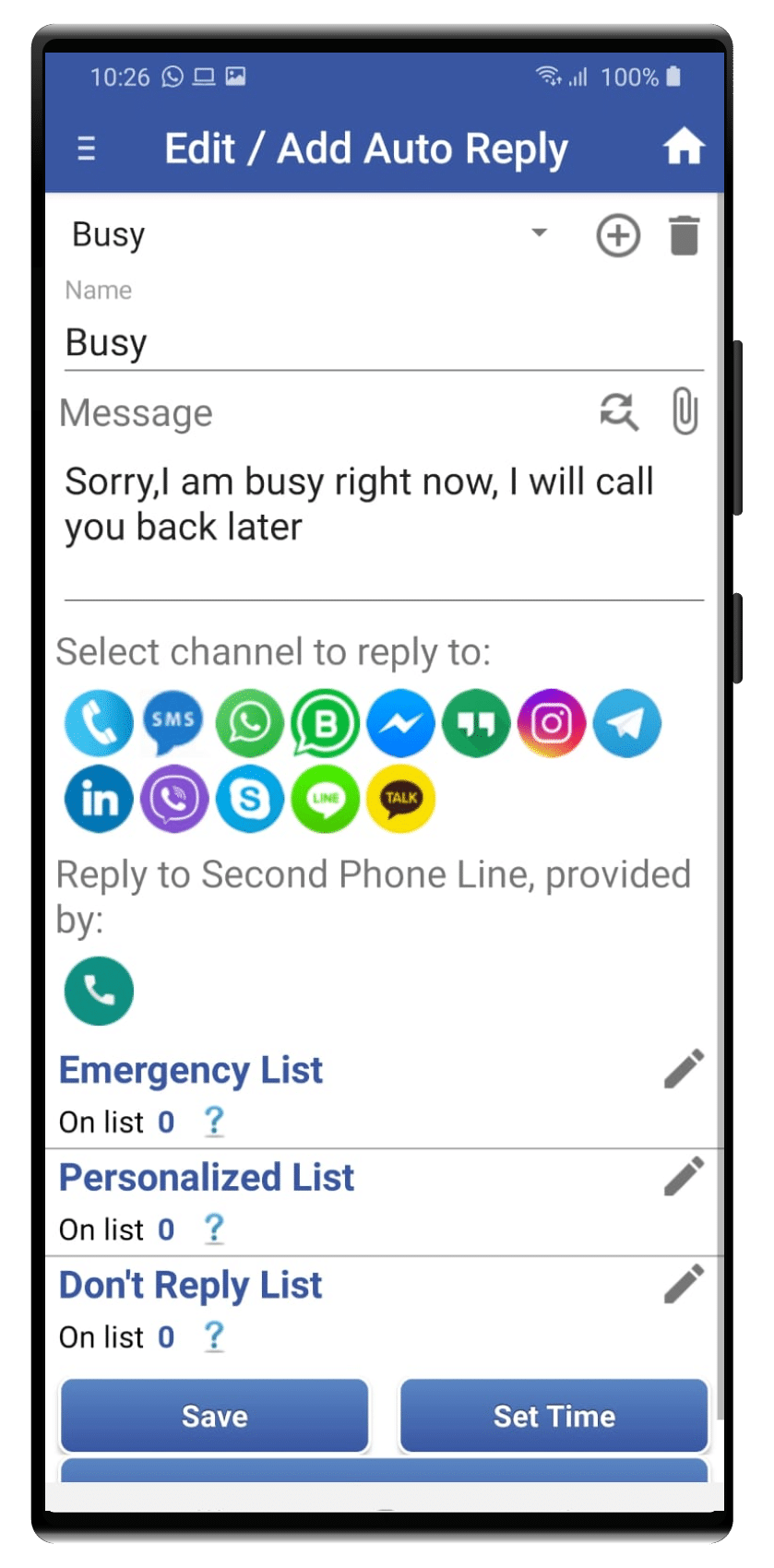
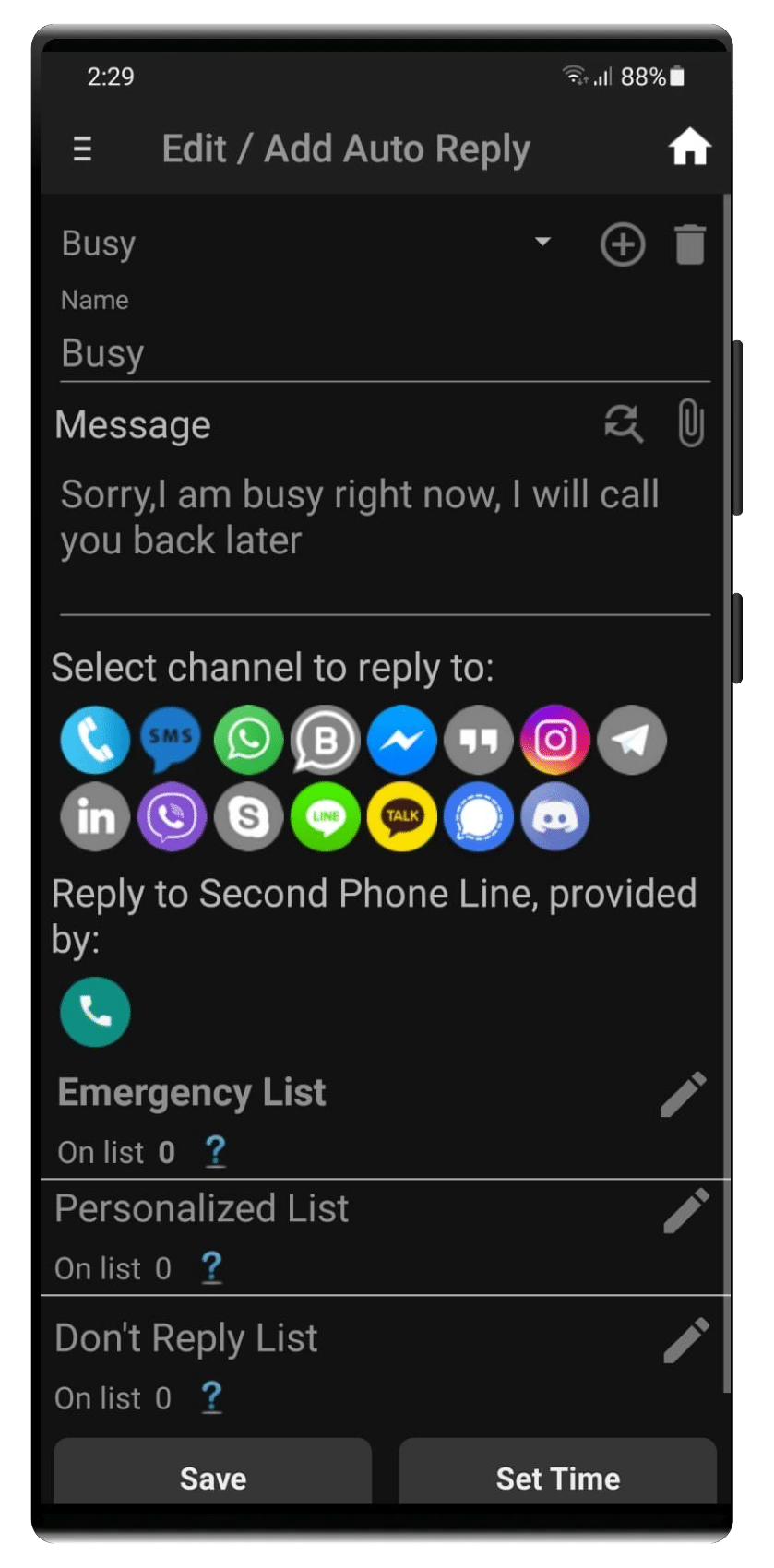
Auto Reply Profiles
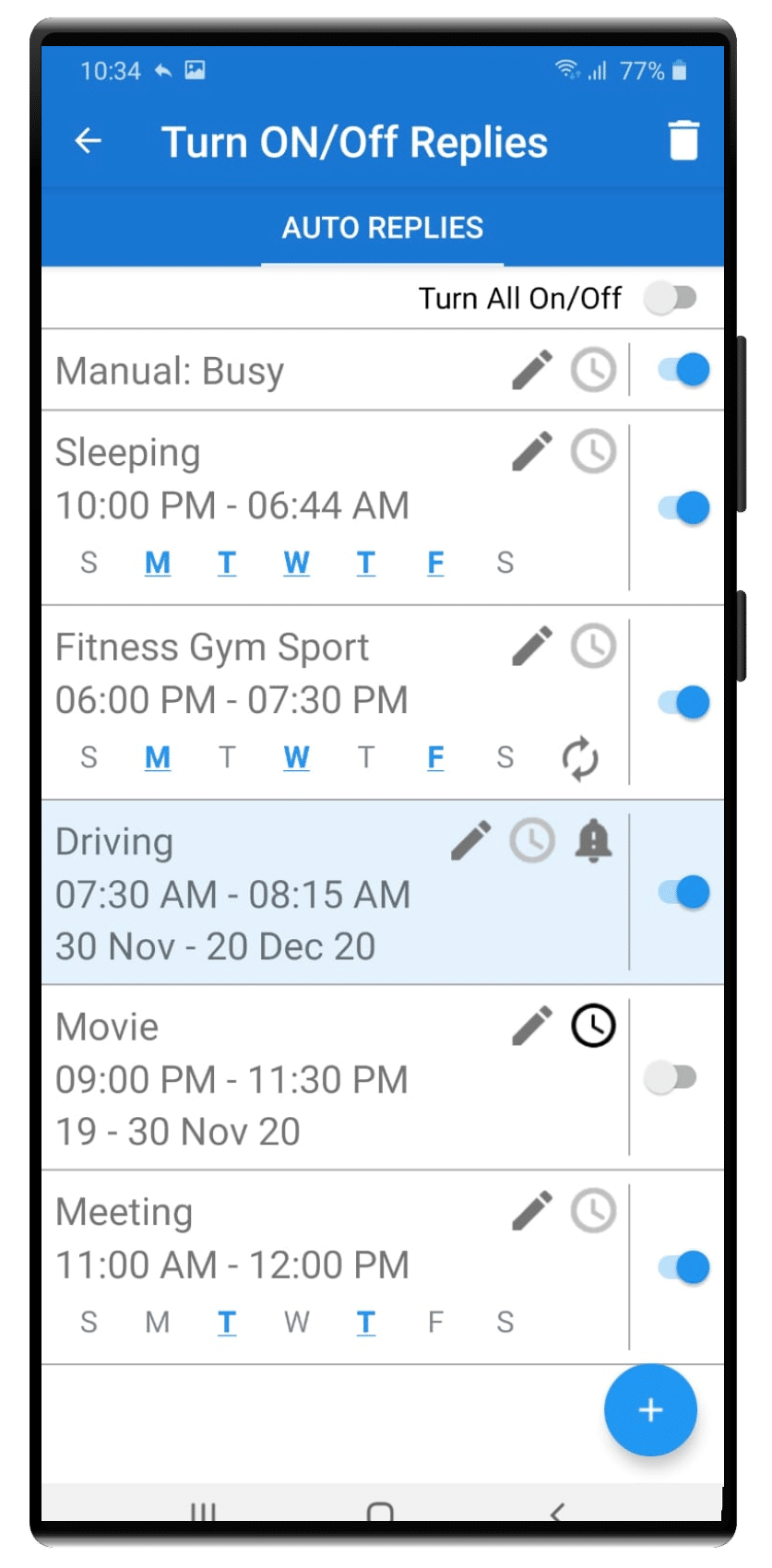
Create multiple profiles for driving, meetings, sleeping, after hours, vacations, work sessions, or custom schedules.
Each profile can contain its own:
- reply message,
- schedule,
- rules,
- and contact settings.
Schedule Automation
Activate replies by time, weekdays, recurring weekly schedules, date ranges, or manually.
Example:
- weekdays after 6 PM,
- weekends,
- holidays,
- overnight,
- recurring business hours.
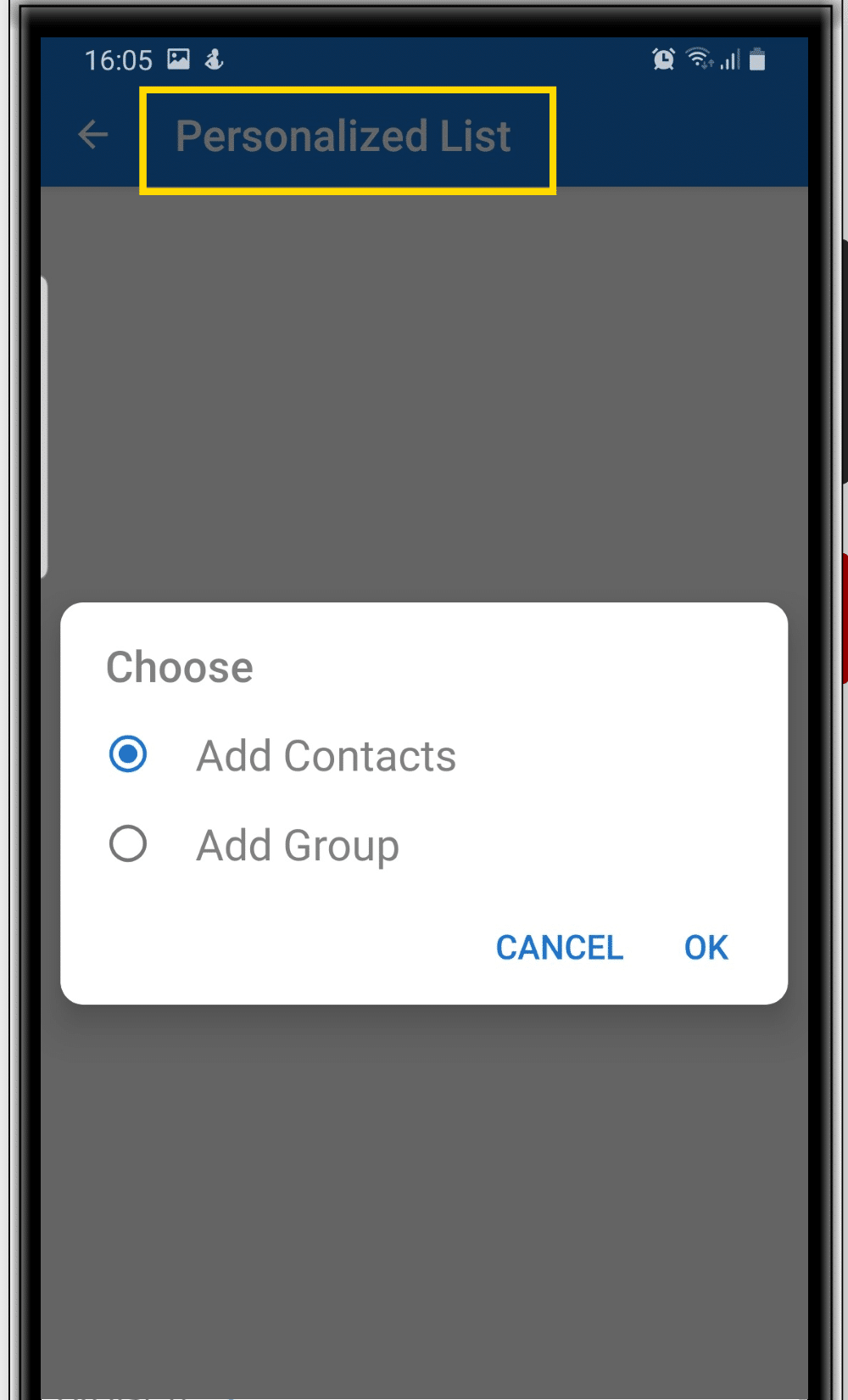
Contact Rules
Send personalized responses to clients, coworkers, family, VIP contacts, selected groups, contacts, or non-contacts.
The app also supports:
- reply only to contacts,
- reply only to non-contacts,
- and customized responses for specific users.
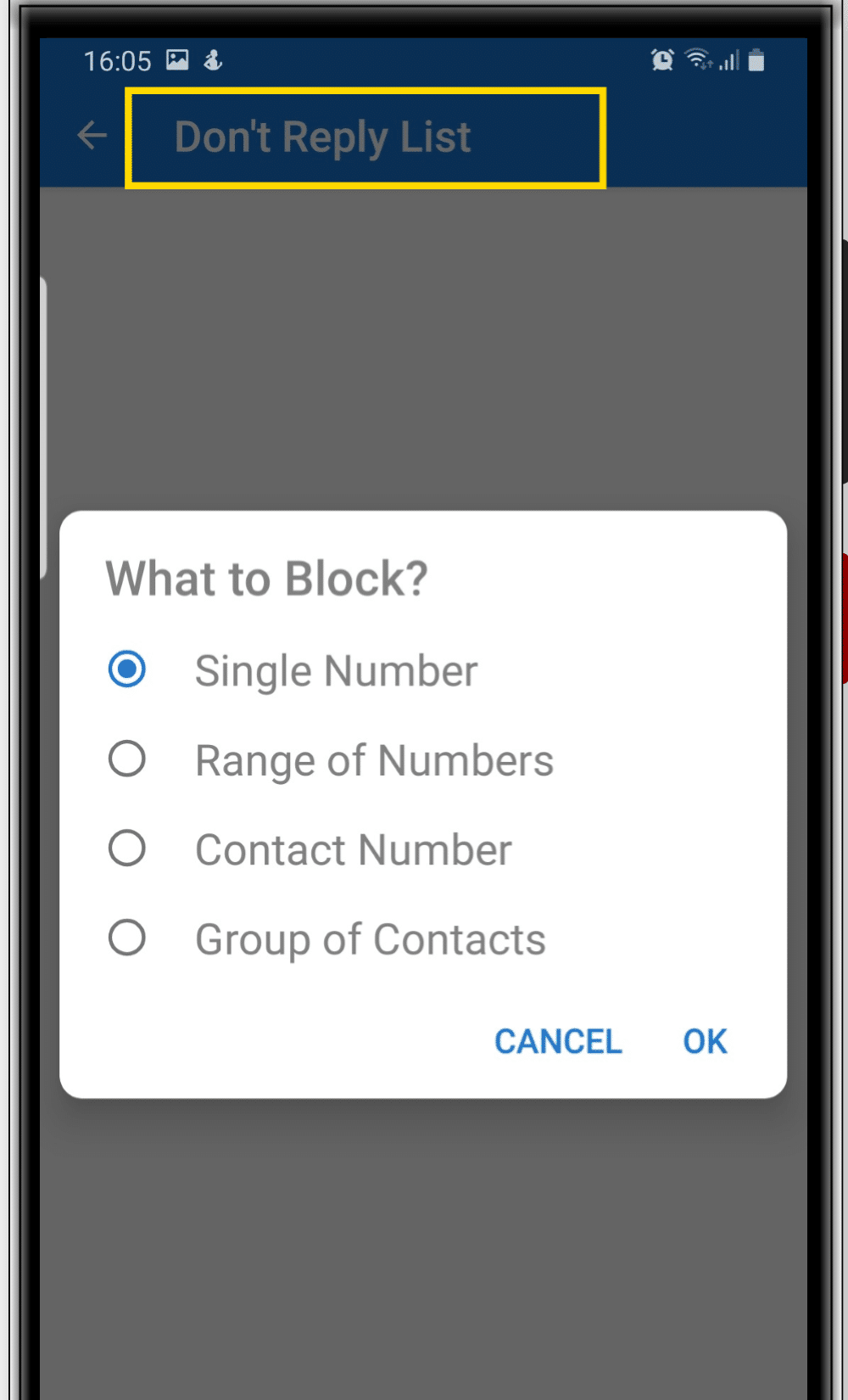
Do Not Reply List
Useful for:
- spam numbers,
- internal company numbers,
- repeated senders,
- or contacts that should never receive automated responses.
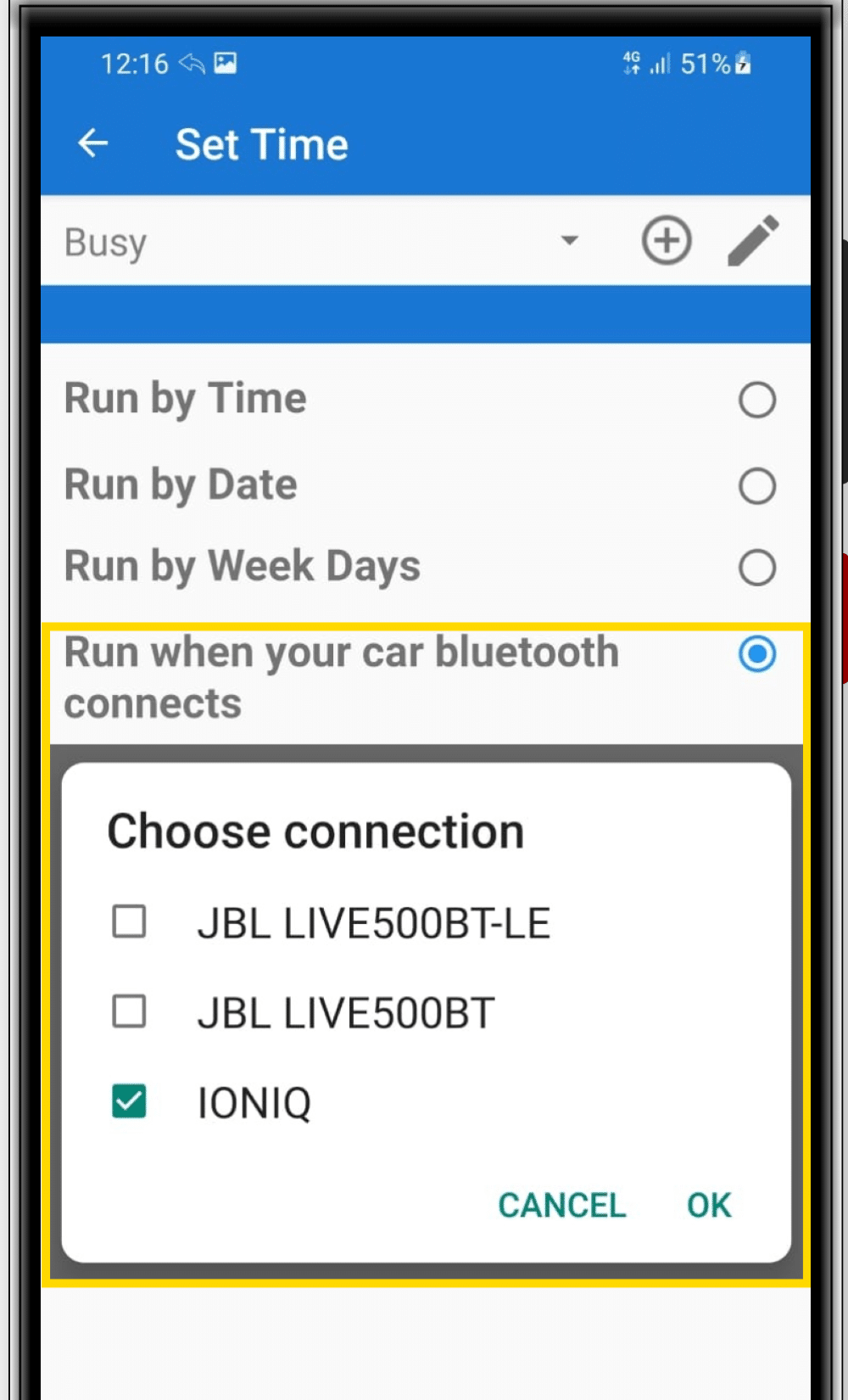
Bluetooth Activation
Activate replies when connected to your vehicle, Bluetooth headset, motorcycle system, or selected Bluetooth devices.
This is especially useful for:
- driving,
- commuting,
- field work,
- and hands-free communication.
Text-to-Speech
The built-in Text-to-Speech functionality provides hands-free communication support.
Features include:
- reading incoming messages aloud,
- adjustable reading speed,
- optional read-only mode without replying,
- and improved accessibility while driving.
This helps users stay informed without touching their phones.
One-Time Reply Logic
Send one response per contact, session, or activation cycle to prevent repeated replies.
Multi-App Support
Supports SMS, WhatsApp, Telegram, Signal, Facebook Messenger, Instagram, Microsoft Teams, Google Chat, and more.
Smart Communication Automation for Small Businesses
The app can work as a lightweight business automation tool. Businesses can combine SMS Auto Reply with Keyword-Based SMS Autoresponder automation.
Android Compatibility & Messaging Support
Due to modern Android and Google Play permission restrictions, the app works with messaging apps that support replying through Android notifications.
Some messaging functionality depends on Android notification reply support and operating system limitations. Features may vary between Android versions, device manufacturers, battery optimization settings, and supported messaging applications.
Native Android vs LeMi Apps Auto Reply Automation
| Feature | Native Android | LeMi Apps Auto Reply |
|---|---|---|
| Silence Notifications | ✔ | ✔ |
| Do Not Disturb Mode | ✔ | ✔ |
| Manual Focus Modes | ✔ | ✔ |
| Automatic SMS Replies | ✘ | ✔ |
| Auto Reply to Missed Calls | ✘ | ✔ |
| Auto Reply to WhatsApp | ✘ | ✔ |
| Schedule-Based Auto Replies | Limited | ✔ |
| Bluetooth Driving Activation | ✘ | ✔ |
| Text-to-Speech Message Reading | Limited | ✔ |
| Multiple Auto Reply Profiles | ✘ | ✔ |
| Multi-Channel Communication Automation | ✘ | ✔ |
Why This Matters
Instead of simply silencing notifications, the app helps maintain communication continuity while users stay focused on driving, meetings, work, travel, sleep, and personal time.
For businesses, this improves responsiveness and customer communication while reducing interruptions throughout the day.
Designed Around User Control
- Control who receives replies
- Choose when reply profiles are active
- Select which messaging apps are supported
- Exclude contacts that should never receive automated responses
Why Users Choose LeMi Apps
700,000+ installs
Advanced scheduling automation
Multi-channel messaging support
Bluetooth driving activation
Personalized contact handling
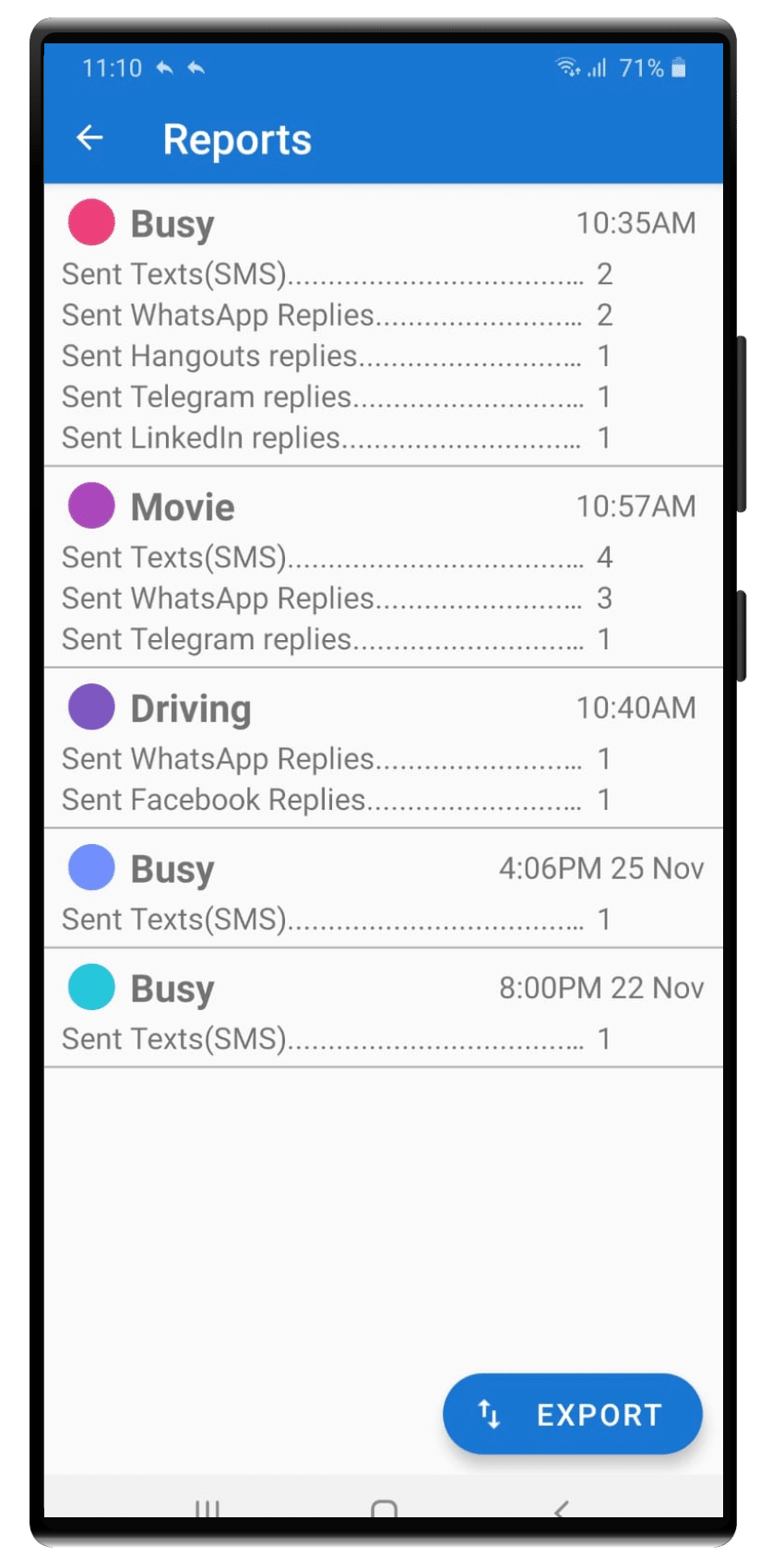
Detailed reporting
Hands-free communication support
Small business productivity automation
Ongoing app updates and documentation
What Users Say
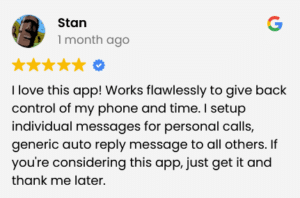
“This changed how I manage client communication during meetings.”
“I stopped checking my phone while driving once auto reply was enabled.”
“Excellent for after-hours customer replies and availability management.”
FAQ
Can Android automatically reply to text messages?
Yes. The app allows Android devices to automatically respond to incoming SMS and messaging app notifications using schedules, Bluetooth triggers, and contact rules.
Does the app support WhatsApp and Telegram?
Yes. The app supports multiple messaging platforms through Android notification reply functionality.
Can businesses use the app for after-hours communication?
Yes. Many self-employed professionals and small businesses use the app to manage client expectations and automate after-hours replies.
Can I create different replies for different situations?
Yes. Users can create multiple profiles for meetings, vacations, driving, sleep, work hours, and more.