Meetings often require full attention, making it difficult to respond to incoming calls, text messages, and customer inquiries immediately. Whether attending client meetings, team discussions, presentations, interviews, or virtual conferences, communication delays can create uncertainty for colleagues, customers, and business contacts.
Auto reply during meetings solutions help professionals acknowledge incoming messages automatically, communicate availability, and maintain professional communication standards without interrupting important discussions. By automating responses during meetings, users can stay responsive while remaining focused on the conversation at hand.
Why Meetings Cause Communication Delays
Modern professionals receive communication from multiple channels throughout the day. Incoming SMS messages, business inquiries, customer requests, and personal communications often arrive while meetings are in progress.
Responding during meetings can:
- Distract participants
- Reduce productivity
- Interrupt important discussions
- Create unprofessional impressions
- Lower meeting effectiveness
At the same time, completely ignoring incoming messages may leave customers, colleagues, or clients wondering whether their communication has been received.
Meeting communication management helps bridge this gap by automatically acknowledging messages until the user becomes available again.
Professionals who require customized availability messages can also explore Custom Auto Reply Messages.
Meetings require concentration, active participation, and decision-making. Frequent interruptions from calls and messages can reduce engagement and make it more difficult to remain focused throughout discussions. Many organizations adopt meeting productivity strategies to help employees minimize distractions and improve collaboration.
What Is Auto Reply during Meetings?
A meeting auto reply is an automated response sent when a person is unavailable because they are attending a meeting.
A meeting autoresponder provides professional availability messages and supports effective meeting status communication when immediate responses are not possible.
Instead of leaving contacts waiting for a response, the system automatically sends a predefined message explaining that the recipient is currently unavailable and will respond later.
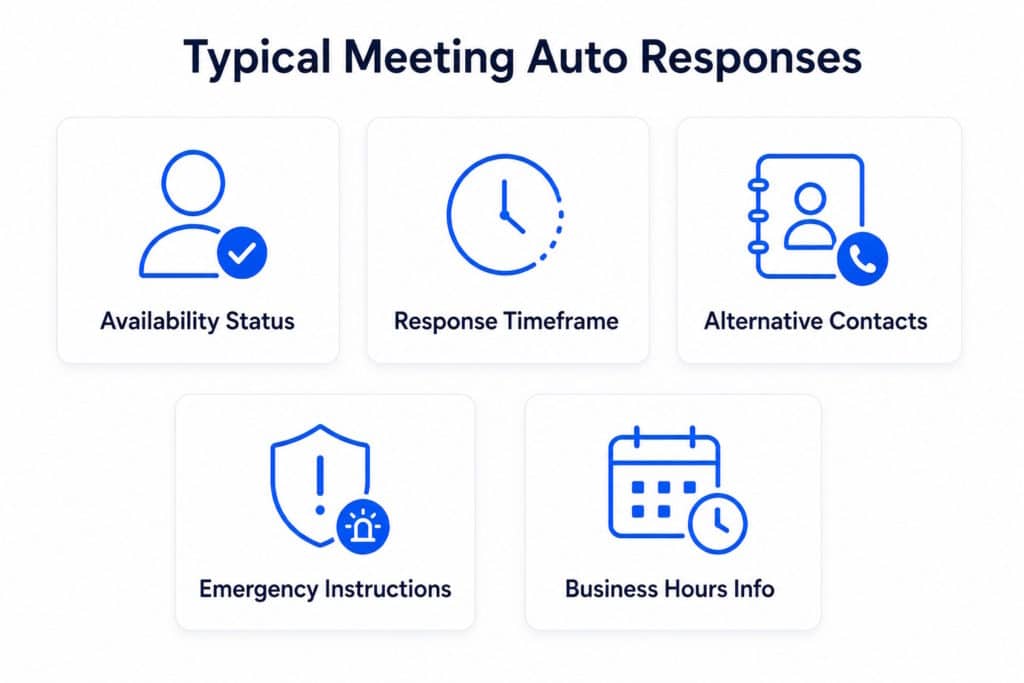
Typical meeting auto responses may include:
- Current availability status
- Expected response timeframe
- Alternative contact options
- Emergency communication instructions
- Business hours information
Unlike traditional out-of-office messages, meeting auto replies are designed for short-term availability interruptions that occur throughout the workday.
How Auto Reply during Meetings Work
Auto reply during meetings systems use predefined rules to detect when communication automation should become active.
When a text message or communication request arrives:
- A meeting begins.
- Meeting mode is activated manually or automatically.
- Incoming messages receive a predefined meeting response.
- Senders are informed that you are currently unavailable.
- Communication remains acknowledged until the meeting ends.
Many professionals combine meeting workflows with Contact-Based Auto Reply rules to send different responses to customers, coworkers, family members, or VIP contacts.
Common Meeting Auto Reply Messages
Currently In A Meeting
This is the most common meeting auto response.
Example:
“Thank you for your message. I am currently in a meeting and may not be able to respond immediately. I will get back to you as soon as possible.”
This type of message confirms receipt while setting realistic expectations.
Will Respond Soon
Some users prefer to include estimated response times.
Example:
“I am currently unavailable due to a meeting. I expect to respond within the next hour. Thank you for your patience.”
Providing a timeframe can reduce follow-up messages and improve communication transparency.
Emergency Contact Information
For business-critical situations, emergency alternatives can be included.
Example:
“I am currently in a meeting. If your request is urgent, please contact our support team or designated emergency contact.”
This approach helps ensure urgent matters are addressed without disrupting meetings unnecessarily.
Ways to Activate Auto Reply during Meetings
Manual Activation
Manual activation allows users to enable meeting mode whenever needed.
This approach works well for:
- Client meetings
- Interviews
- Presentations
- Conferences
- One-time events
Users simply activate automation before the meeting begins and deactivate it afterward.
Schedules
Scheduled automation activates responses automatically during predefined periods.
Examples include:
- Daily team meetings
- Weekly management meetings
- Recurring project reviews
- Training sessions
Scheduling reduces the need for manual intervention and ensures communication remains consistent.
Users who rely heavily on schedules may also benefit from Scheduled Auto Reply workflows.
Calendar-Based Workflows
Advanced communication automation can integrate meeting schedules into broader productivity workflows.
Calendar-based workflows help automate availability management by aligning communication behavior with planned events, reducing manual effort and improving consistency throughout the workday.
Who Benefits From Meeting Auto Replies?
Meeting communication automation can benefit many professionals and organizations.
Examples include:
- Business executives
- Consultants
- Sales professionals
- Project managers
- Customer service teams
- Healthcare professionals
- Financial advisors
- Real estate agents
- Recruiters
- Remote workers
Any professional who frequently attends meetings can benefit from automatically communicating availability.
Benefits of Meeting Communication Automation
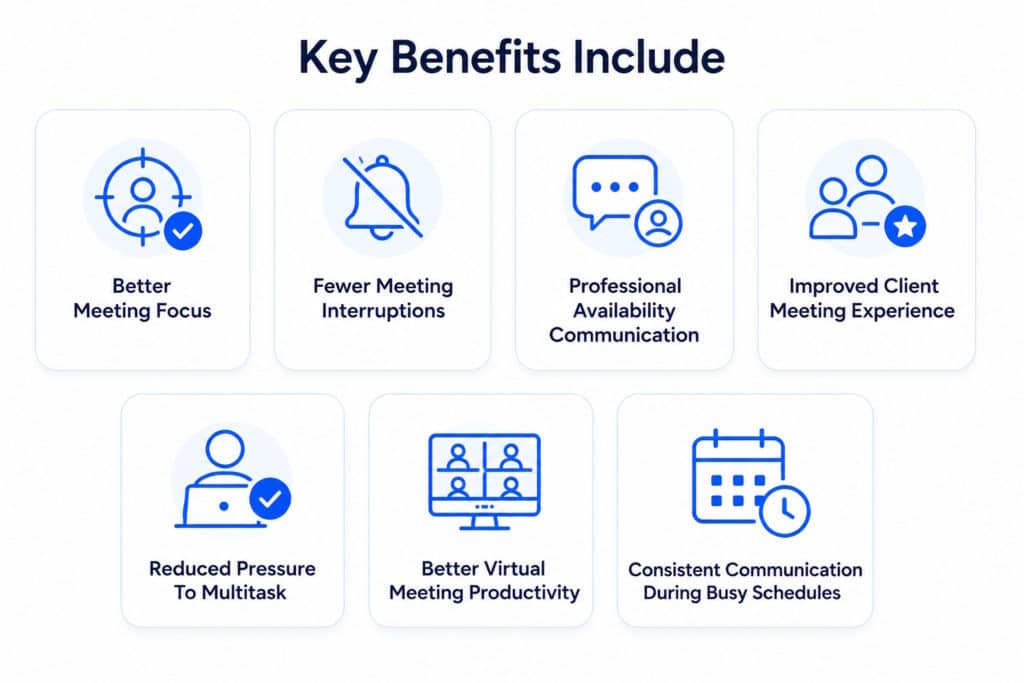
Meeting auto reply solutions help professionals maintain communication standards without sacrificing focus. Modern professionals often spend a significant portion of their workday in meetings, making communication management increasingly important. According to ongoing workplace productivity research, reducing unnecessary interruptions can help employees maintain focus and improve overall work efficiency.
Key benefits include:
Better Meeting Focus
Remain fully engaged in discussions without checking incoming messages.
Fewer Meeting Interruptions
Reduce the temptation to leave meetings to respond to non-urgent messages.
Professional Availability Communication
Let contacts know you are currently attending a meeting and will respond later.
Improved Client Meeting Experience
Stay focused on customers, prospects, and stakeholders during important conversations.
Reduced Pressure To Multitask
Avoid dividing attention between meeting participation and message management.
Better Virtual Meeting Productivity
Maintain concentration during video conferences, webinars, and online presentations.
Consistent Communication During Busy Schedules
Ensure every incoming message receives acknowledgment even during back-to-back meetings.
More Efficient Workdays
Spend less time catching up on missed communications after meetings end.
How LeMi Apps Helps Professionals Stay Responsive
LeMi Apps provides communication automation tools designed to help professionals stay responsive during meetings, presentations, consultations, and other periods of temporary unavailability.
Users can create customized meeting auto replies, activate responses manually or through schedules, personalize communication for different contacts, and maintain professional communication standards without interrupting important work.
Meeting communication automation helps ensure that customers, colleagues, and business contacts always receive acknowledgment—even when immediate responses are not possible.
LeMi Apps’ SMS Auto Reply & Autoresponder helps professionals stay responsive during meetings, presentations, consultations, and other periods of temporary unavailability.
Stay Responsive During Meetings
Stay focused on meetings while keeping communication active.
SMS Auto Reply & Autoresponder automatically responds to incoming messages when you’re unavailable, helping colleagues, clients, and customers know their message has been received.
SMS Auto Reply & Autoresponder
FAQ
What is an auto reply during meetings?
An auto reply during meetings is an automatic message sent when someone is unavailable because they are attending a meeting. It acknowledges incoming communication and informs senders that a response will follow later.
How do meeting auto replies work?
Meeting auto replies work by activating predefined automation rules that detect incoming messages and send automatic responses when meeting mode is enabled.
Can I schedule automatic replies for recurring meetings?
Yes. Many communication automation solutions allow users to create schedules that automatically activate and deactivate meeting responses during recurring events.
What should a meeting auto response message include?
A meeting auto response should typically include your availability status, acknowledgment of the message, and an estimated response timeframe when appropriate.
Can different contacts receive different meeting responses?
Yes. Contact-based communication automation can send customized responses to coworkers, customers, family members, or priority contacts.
Can I use auto replies during client meetings?
Yes. Meeting auto replies can acknowledge incoming messages while you are speaking with clients, prospects, or colleagues, helping you stay focused without leaving senders wondering whether their message was received.
Can meeting auto replies help improve productivity?
Yes. Meeting automation reduces interruptions, allows professionals to stay focused, and minimizes the need to check messages during meetings.
What is the difference between a meeting auto reply and an out-of-office reply?
Meeting auto replies are designed for short-term unavailability during the workday, while out-of-office replies are typically used for extended absences such as vacations, holidays, or leave periods.
Can I activate auto replies only during scheduled meetings?
Yes. Scheduled auto reply workflows allow users to activate meeting responses during specific times and recurring calendar events.
What is the best auto reply message for meetings?
The best meeting auto reply clearly states that you are currently unavailable, confirms the message was received, and provides an expected response timeframe.