Automatically activate auto reply the moment your phone connects to a selected Bluetooth device.
Instead of manually enabling driving mode, work mode, or focus mode every time you enter your car or connect a headset, Bluetooth Triggered Auto Reply turns communication automation into a hands-free process.
This capability uses Bluetooth connection events as automation triggers. When a selected device connects, your chosen auto reply profile activates instantly.
For drivers, this can create a safer communication experience while driving. For professionals, it helps automate communication during calls, meetings, travel, or focused work sessions.
Device-Aware Communication Automation
Bluetooth Triggered Auto Reply is built around contextual automation.
Instead of relying on schedules or manual activation, the system reacts to your physical environment.
Your phone recognizes:
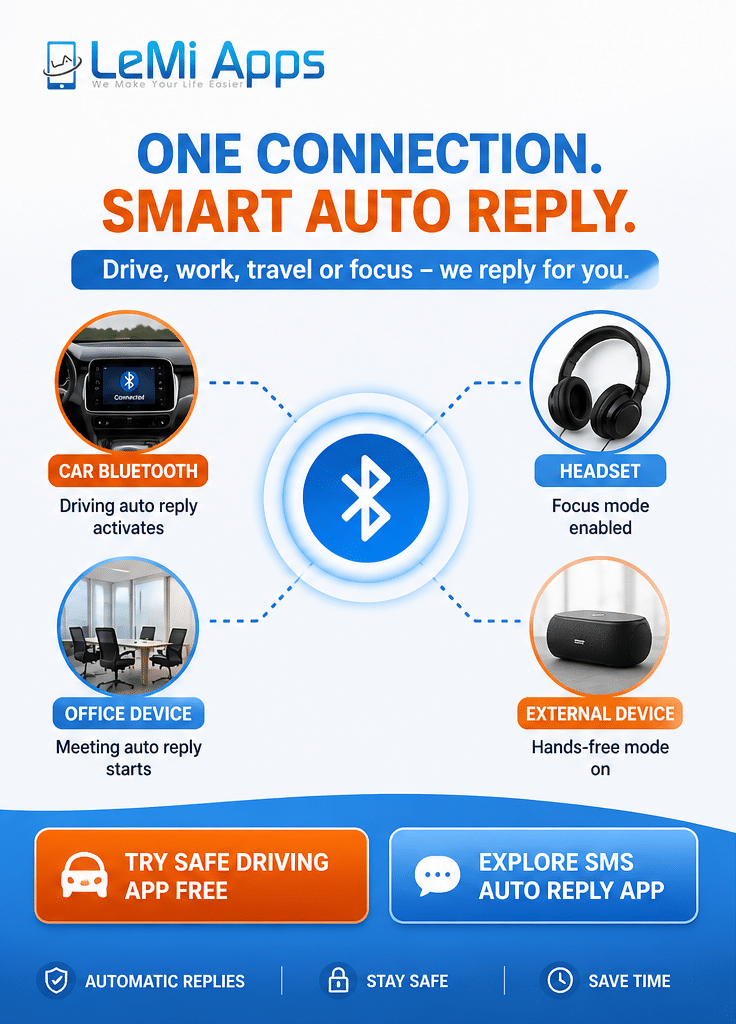
- car Bluetooth systems
- wireless headsets
- earbuds
- office audio devices
- work vehicles
- external Bluetooth equipment
Once a selected device connects, the app can automatically activate a predefined communication state.
Examples:
- Driving auto reply
- Focus session reply
- In-meeting response
- Delivery route status
- Temporary unavailable mode
This creates communication automation that adapts automatically to where you are and what you are doing.
Driving Activation Workflows
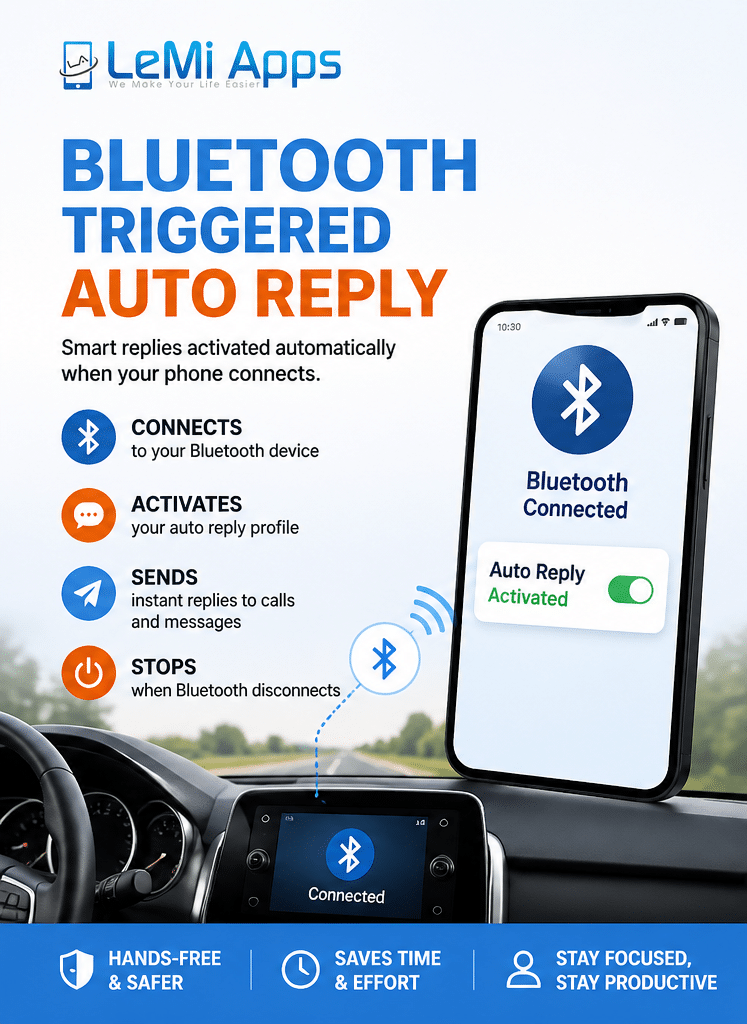
One of the most common use cases is driving automation.
Many users forget to enable auto reply before driving. Bluetooth-triggered activation removes that manual step completely.
Example workflow:
Car Bluetooth connects
↓
Driving profile activates
↓
Incoming SMS and missed calls receives automatic reply
↓
Driver remains hands-free
↓
Bluetooth disconnects
↓
Driving mode stops automatically
This allows communication status to update dynamically during travel without touching the phone.
Many users combine this workflow with:
- safe driving auto reply
- text-to-speech driving tools
- missed call auto reply
- hands-free communication settings
Compatible Bluetooth Environments
Bluetooth Triggered Auto Reply can work across many real-world environments.
Vehicle Systems
- Car Bluetooth
- Android Auto environments
- Fleet vehicles
- Motorcycle helmet Bluetooth systems
Work Environments
- Office headsets
- Call center devices
- Warehouse communication equipment
- Delivery driver audio systems
Personal Productivity
- Wireless earbuds
- Focus-session headsets
- Home office devices
- Temporary workstations
Because the trigger is device-based, users can create different automation behavior depending on the connected environment.
Multi-Profile Trigger Logic
Different Bluetooth devices can activate different communication profiles.
EXAMPLES:
Car Connection
“I’m currently driving and will reply when safely available.”
Office Headset
“I’m currently in a call or focused work session.”
Delivery Vehicle
“I’m currently on the road and may respond with delays.”
Warehouse Device
“Currently busy with field work. I’ll reply shortly.”
This allows communication behavior to change automatically based on context rather than manual switching.
Why Trigger-Based Automation Matters
Traditional auto reply systems depend on manual activation.
Trigger-based automation removes friction by allowing communication states to change automatically when specific events occur.
Benefits include:
- fewer forgotten activations
- safer driving behavior
- faster workflow transitions
- reduced manual interaction
- more consistent communication status
- improved responsiveness during travel
For mobile professionals and drivers, this creates a more reliable automation experience.
Trigger Reliability Factors
Bluetooth behavior and background activity may vary between Android manufacturers and device configurations. Android Bluetooth behavior documentation is available through Android Developers
Factors that may affect triggers include:
- Battery optimization settings may affect automation reliability on some devices. Android background behavior policies are documented by Android Developers Battery Optimization Guide.
- Bluetooth permissions
- background process limitations
- notification access
For best results:
- allow unrestricted battery usage
- keep Bluetooth permissions enabled
- allow background activity where supported
Android devices generally provide significantly more automation flexibility than iPhone/iOS environments.
Best Use Cases for Bluetooth Triggered Auto Reply
Safe Driving Communication
Automatically notify people you are driving without manual interaction.
Sales & Field Teams
Update customers while traveling between meetings or appointments.
Delivery Drivers & Couriers
Send temporary availability updates while on routes.
Business Travel
Maintain communication consistency during transit.
Focus Work Sessions
Activate distraction-reduction replies when connecting work headsets.
Related Automation Capabilities
Bluetooth Triggered Auto Reply is commonly combined with other automation systems from LeMi Apps.
Related Capabilities
Related Use Cases
Turn Bluetooth Events Into Smart Communication Automation
Automatically activate communication workflows when you drive, travel, work, or connect devices—without manually changing settings every time.
Explore trigger-based automation tools from LeMi Apps.
Frequently Asked Questions
Can auto reply activate automatically when Bluetooth connects?
Yes. Bluetooth Triggered Auto Reply can activate communication profiles automatically when your phone connects to selected Bluetooth devices.
Can car Bluetooth start driving auto reply?
Yes. Many users configure their vehicle Bluetooth connection to automatically enable driving reply mode.
Can different Bluetooth devices activate different replies?
Yes. Different devices can launch different communication profiles depending on your settings.
Does Bluetooth auto reply stop after disconnecting?
Yes. The app can automatically disable the reply profile when Bluetooth disconnects.
Does Bluetooth Triggered Auto Reply work with Android SMS?
Yes. Android SMS remains one of the strongest native automation workflows.
Is Bluetooth automation available on iPhone?
Automation flexibility is generally much stronger on Android devices because iOS has stricter background automation limitations.