Personalized communication creates a better experience for customers, contacts, friends, and family members.
Custom Auto Reply Messages allow users to create personalized automatic responses tailored to different contacts, communication scenarios, and business needs. Instead of sending the same generic message to everyone, users can customize message content, tone, response details, and communication workflows to create a more personalized experience.
Instead of sending the same generic response every time, users can personalize automatic replies for different contacts, audiences, communication scenarios, and availability statuses.
LeMi Apps provides flexible message customization tools that help automate communication while maintaining a personal touch.
What Are Custom Auto Reply Messages?
Custom Auto Reply Messages are personalized responses automatically sent when communication automation is active.
These messages can be customized to reflect:
- Current availability
- Business operating hours
- Driving status
- Meeting schedules
- Vacation periods
- Customer support workflows
- Temporary unavailability
Users can combine custom messaging with features such as Scheduled Auto Reply and Bluetooth Triggered Auto Reply to automatically deliver the right response at the right time.
What Makes an Effective Auto Reply Message?
An effective auto reply message does more than acknowledge a message. It helps recipients understand your availability, expected response time, and communication status.
Most effective auto reply messages include:
- A greeting
- Availability information
- Reason for delayed response
- Expected response timeframe
- Alternative contact information (optional)
- Professional closing
Customizing these elements helps create a more useful and professional communication experience.
Why Personalized Auto Reply Messages Matter
Generic automatic responses often feel impersonal and provide limited information.
Personalized messaging helps:
- Set clear expectations
- Improve customer communication
- Reduce follow-up questions
- Maintain professionalism
- Provide useful information
- Improve customer experience
- Increase communication consistency
Whether you are a business owner, sales professional, consultant, healthcare provider, or commuter, customized responses help create more effective communication workflows.
Customize Messages for Different Audiences
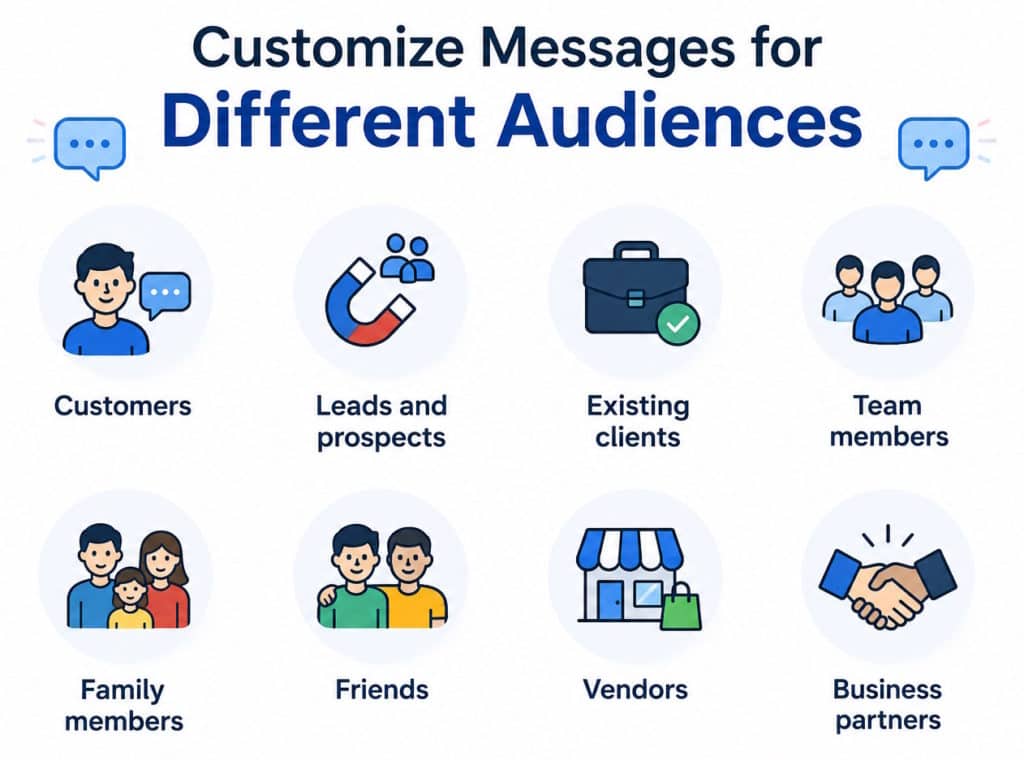
Different contacts often require different responses.
Users frequently create customized messages for:
- Customers
- Leads and prospects
- Existing clients
- Team members
- Family members
- Friends
- Vendors
- Business partners
Personalized communication helps ensure recipients receive relevant information based on their relationship and communication needs.
Types of Custom Auto Reply Messages
Driving Auto Reply Messages
Drivers often customize automatic responses to inform contacts they are currently driving. Personalized driving messages help acknowledge incoming communication while reducing distractions.
For advanced driving communication workflows, see Safe Driving Auto Reply.
Meeting Auto Reply Messages
“Thank you for your message. I’m currently attending a meeting and may not be able to respond immediately. I’ll get back to you as soon as possible.”
Vacation Auto Reply Messages
“Thank you for reaching out. I’m currently away and will respond after returning on [Date].”
Business Hours Auto Reply Messages
“Thank you for contacting us. Our office is currently closed. We will respond during our next business day.”
Businesses frequently use custom messaging together with SMS Auto Reply & Autoresponder.
Best Practices for Custom Auto Reply Messages
Keep Messages Clear
Short, direct responses are usually the most effective.
Set Expectations
Tell recipients when they can expect a response.
Stay Professional
Use language appropriate for the intended audience.
Provide Useful Information
Include relevant details when appropriate.
Examples may include:
- Return dates
- Business hours
- Emergency contact options
- Website information
- Appointment scheduling details
Match the Message to the Situation
The best automatic responses provide information that is relevant to the recipient and current availability status.
Avoid Overly Long Messages
Short, clear messages are generally easier for recipients to read and understand.
Include Expected Response Times
Providing estimated response times helps set communication expectations.
Keep Business Messaging Consistent
Users interested in communication follow best practices recommended by Microsoft Support and business communication guidelines published by Indeed Career Guide.
Custom Auto Reply Message Examples
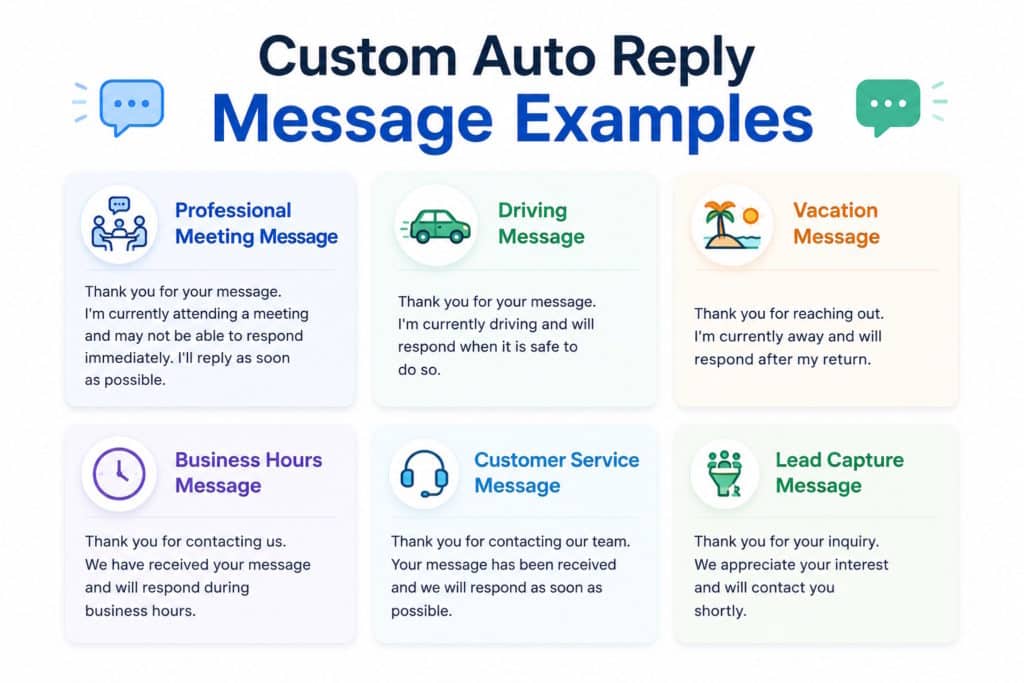
Professional Meeting Message
“Thank you for your message. I’m currently attending a meeting and may not be able to respond immediately. I’ll reply as soon as possible.”
Driving Message
“Thank you for your message. I’m currently driving and will respond when it is safe to do so.”
Vacation Message
“Thank you for reaching out. I’m currently away and will respond after my return.”
Business Hours Message
“Thank you for contacting us. We have received your message and will respond during business hours.”
Customer Service Message
“Thank you for contacting our team. Your message has been received and we will respond as soon as possible.”
Lead Capture Message
“Thank you for your inquiry. We appreciate your interest and will contact you shortly.”
Combine Custom Messages with Communication Automation
Custom messages become more powerful when paired with automation triggers.
Users frequently combine personalized responses with:
- Scheduled automation
- Bluetooth activation
- Driving mode
- Business hours workflows
- Vacation schedules
- Temporary unavailable periods
These automation capabilities help ensure communication remains consistent even when users cannot respond manually.
Who Uses Custom Auto Reply Messages?
Many individuals and organizations use personalized communication automation.
Common examples include:
- Small business owners
- Consultants
- Real estate professionals
- Healthcare practices
- Customer service teams
- Delivery drivers
- Fleet operators
- Remote workers
- Sales teams
- Busy professionals
Personalized automation helps ensure every contact receives relevant communication based on the current situation.
Common Uses for Personalized Auto Reply Messages
Custom Auto Reply Messages are commonly used for:
- Driving communication
- Business communication
- Customer service
- Lead generation
- Appointment requests
- Meeting notifications
- Vacation responses
- Out-of-office communication
- After-hours messaging
- Temporary unavailable periods
This flexibility allows users to create communication workflows that match their personal or professional needs.
Create Personalized Auto Reply Messages for Every Situation
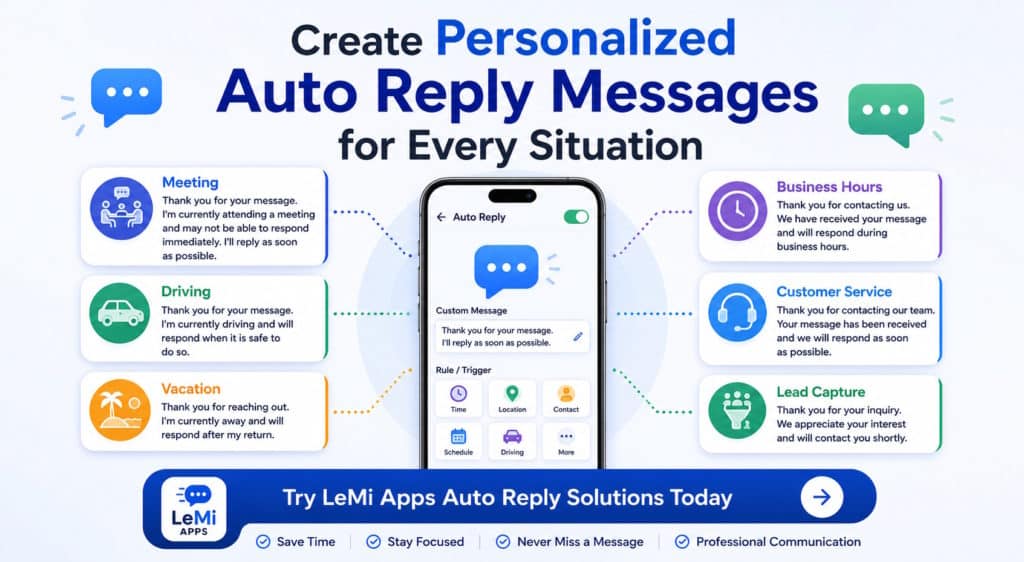
Whether you’re driving, in meetings, helping customers, traveling, or unavailable, custom auto reply messages help maintain professional and consistent communication.
Explore LeMi Apps communication automation solutions and create personalized responses that fit your schedule and communication needs.
Try LeMi Apps Auto Reply Solutions Today
FAQ
What are Custom Auto Reply Messages?
Custom Auto Reply Messages are personalized automatic responses that are sent when communication automation is active. Users can create different messages for different situations.
Can I create different auto reply messages for different situations?
Yes. Many users create separate messages for driving, meetings, vacations, business hours, customer inquiries, and unavailable periods.
Can I customize my driving auto reply message?
Yes. Driving communication profiles can use fully customized responses that inform contacts you are currently on the road.
Can businesses create custom customer response messages?
Yes. Businesses frequently create personalized responses for after-hours communication, customer inquiries, lead capture, and support requests.
Can Custom Auto Reply Messages work with schedules?
Yes. Personalized messages can be combined with Scheduled Auto Reply workflows to automatically activate at specific times and dates.
Can different contacts receive different automatic replies?
Yes. Communication automation can be configured to send different responses based on contacts, contact groups, or communication rules.
What should a professional auto reply message include?
Most professional auto reply messages include a greeting, availability information, expected response time, and optional contact details.
Can I create personalized messages for customers and contacts?
Yes. Users can create customized automatic responses for customers, prospects, contacts, and specific communication scenarios.
What are some examples of custom auto reply messages?
Examples include driving messages, meeting responses, vacation notices, business hours replies, customer service acknowledgments, and lead capture responses.
Can I create different auto reply messages for different contacts?
Yes. Personalized communication workflows can use different automatic responses for customers, prospects, colleagues, family members, and other contact groups.