Customers do not stop reaching out when your business closes for the day. Questions, appointment requests, service inquiries, and support messages often arrive during evenings, weekends, and holidays when staff members are unavailable.
Missing Customer Messages After Hours?
Unfortunately, many businesses discover customer inquiries only hours later, creating communication gaps that can negatively affect customer experience and business reputation.
After-hours response automation helps businesses maintain communication by automatically responding to customer inquiries when immediate human responses are not available. Automated messages acknowledge the inquiry, provide useful information, and set clear expectations for follow-up.
Businesses using communication automation can stay responsive, improve customer satisfaction, and reduce the risk of missed customer messages after hours.
Learn more about our Communication Automation Solutions.
Why Missing Customer Messages After Hours Matter
Modern customers expect timely communication regardless of business hours.
When customers contact a business, they often want confirmation that their message has been received. Even a simple acknowledgment can improve customer confidence and reduce uncertainty.
Research published by HubSpot Customer Service Resources consistently highlights the importance of timely customer communication in maintaining positive customer experiences.
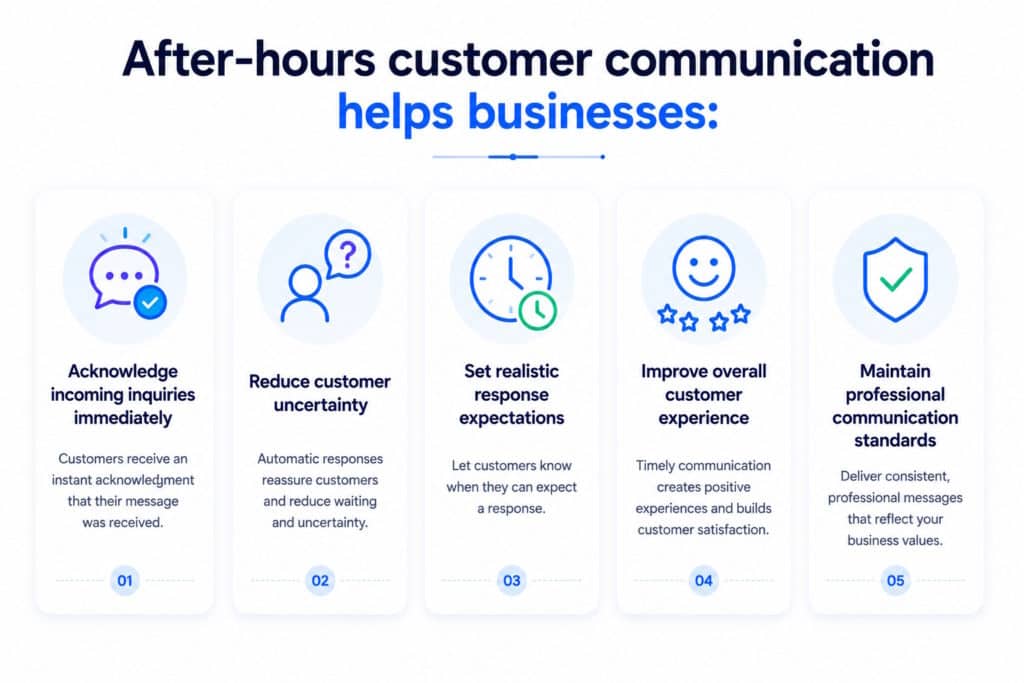
After-hours customer communication helps businesses:
- Acknowledge incoming inquiries immediately
- Reduce customer uncertainty
- Set realistic response expectations
- Improve overall customer experience
- Maintain professional communication standards
Common Problems Businesses Face
Evenings
Many businesses close before customers finish work. As a result, customer inquiries often arrive during evening hours when nobody is available to respond.
Customers may request:
- Product information
- Service details
- Appointment availability
- Pricing information
- Business hours
Without an acknowledgment, customers may assume the message was overlooked.
Weekends
Weekend communication volume can be significant for service providers, healthcare practices, contractors, consultants, and local businesses.
Customers frequently submit inquiries when they finally have time to research services and make purchasing decisions.
Holidays
Holiday periods often create extended communication gaps.
Businesses may remain closed for multiple days while customer messages continue arriving through SMS, messaging apps, contact forms, and phone calls.
Staff Shortages
Small businesses and growing companies often operate with limited staff resources.
Employees may be unavailable due to vacations, sick leave, training, meetings, or workload constraints, making after-hours response automation especially valuable.
What Happens When Customers Receive No Response
When customers receive no acknowledgment after sending a message, several problems can occur:
- Customers assume the message was not received
- Frustration and uncertainty increase
- Trust may decline
- Customers may contact competitors
- Follow-up inquiries increase workload
- Business professionalism may appear inconsistent
Even when businesses intend to respond later, the absence of immediate communication can create a poor customer experience.
How Automatic Responses Solve the Problem
After-hours auto reply systems automatically send predefined responses whenever customer messages arrive outside business hours.
Instead of silence, customers receive immediate confirmation that:
- Their message has been received
- The business is currently unavailable
- A response will follow during business hours
- Additional information may be available immediately
This approach helps maintain communication continuity without requiring staff availability 24 hours a day.
Businesses can combine after-hours automation with capabilities such as:
Typical After Hours Automation Workflow
- Customer sends a message
- Business is unavailable
- Automatic response is triggered
- Customer receives acknowledgment
- Staff follows up during business hours
Types of After Hours Responses
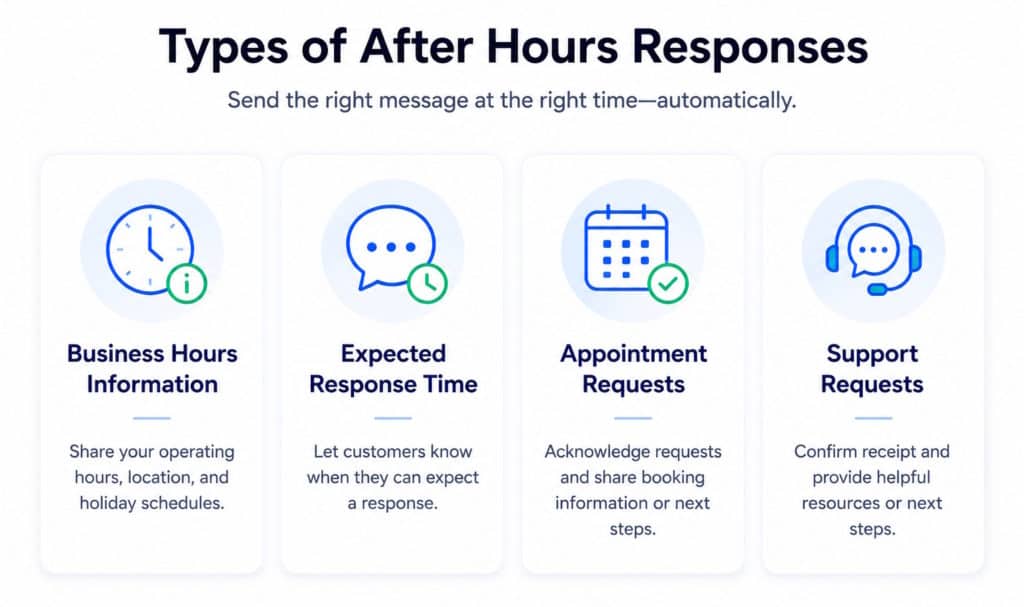
Different businesses require different communication strategies.
Business Hours Information
A common business unavailable message informs customers when the business will reopen.
Example information may include:
- Opening hours
- Office location
- Holiday schedules
- Contact channels
Expected Response Time
Customers appreciate knowing when they can expect a reply.
Automatic responses may explain:
- Response within 24 hours
- Response next business day
- Response within specific support hours
- Priority handling procedures
Appointment Requests
Service-based businesses often receive appointment requests outside operating hours.
Automatic replies can:
- Confirm receipt of the request
- Explain scheduling procedures
- Provide booking links
- Share availability information
Support Requests
Support inquiries often arrive at all hours.
After-hours response automation can acknowledge support requests while providing:
- Ticket information
- Self-service resources
- Frequently asked questions
- Emergency contact instructions
Businesses can also direct customers to helpful resources such as the Zendesk Customer Experience Blog for additional customer support best practices.
Industries That Benefit Most
Almost every industry experiences after-hours customer communication.
Examples include:
Professional Services
- Consultants
- Accountants
- Attorneys
- Financial advisors
Healthcare Providers
- Medical clinics
- Dental offices
- Therapists
- Wellness providers
Home Services
- Contractors
- Electricians
- Plumbers
- HVAC companies
Local Businesses
- Retail stores
- Restaurants
- Salons
- Fitness centers
Real Estate
- Realtors
- Brokers
- Property managers
Customer Support Teams
- SaaS companies
- E-commerce businesses
- Service providers
Benefits of After-Hours Message Automation
Businesses implementing after-hours response automation can achieve several benefits:
Improved Customer Experience
Customers receive immediate acknowledgment instead of silence.
Better Communication Consistency
Every customer receives a professional response regardless of when they contact the business.
Reduced Customer Frustration
Clear expectations reduce uncertainty and improve satisfaction.
Increased Business Professionalism
Automated communication helps businesses appear organized and responsive.
Lower Support Workload
Automatic responses reduce duplicate inquiries and follow-up messages.
Better Availability Perception
Customers feel the business remains accessible even when staff members are unavailable.
Scalable Communication
Automation supports growing communication volumes without requiring additional staffing.
Fewer Missed Customer Opportunities
Acknowledgment messages help preserve customer engagement until a live response is available.
How LeMi Apps Helps Businesses Stay Responsive
LeMi Apps provides communication automation solutions that help businesses maintain customer communication during evenings, weekends, holidays, meetings, and other unavailable periods.
Features include:
- Automatic SMS replies
- Scheduled after-hours automation
- Custom business unavailable messages
- Contact-based response rules
- Personalized customer responses
- One-reply-per-contact controls
- Multi-channel communication automation
- Flexible scheduling options
Businesses can create customized after-hours workflows that match their operating hours, customer expectations, and communication requirements.
Never Leave Customer Messages Unanswered After Hours
Customers don’t stop reaching out when your business closes.
With SMS Auto Reply & Autoresponder, businesses can automatically acknowledge Customer Messages After Hours, share availability information, and set response expectations whenever staff members are unavailable.
Whether messages arrive during evenings, weekends, holidays, meetings, or other unavailable periods, automatic replies help maintain communication and keep customers informed.
Our Solutions Help You:
- Send automatic after-hours replies
• Share business hours and availability information
• Set expected response times
• Respond during evenings, weekends, and holidays
• Create custom messages for different situations
• Stay responsive without being available 24/7
Start automating after-hours customer communication today.
SMS Auto Reply & Autoresponder
Need customers to request information automatically after hours? Explore Keyword-Based SMS Marketing Autoresponder.
Keyword-Based Automation for Small Businesses
Frequently Asked Questions
What are missing customer messages after hours?
Missing customer messages after hours refers to customer inquiries received when a business is closed or unavailable and unable to respond immediately.
What is after-hours response automation?
After-hours response automation automatically sends predefined messages when customer inquiries arrive outside normal business hours.
Can automatic replies be scheduled?
Yes. Businesses can schedule automatic replies for evenings, weekends, holidays, meetings, vacations, and custom time periods.
What information should an after-hours message include?
Most businesses include acknowledgment of the inquiry, business hours, expected response times, and alternative contact information if applicable.
Can after-hours automation help customer satisfaction?
Yes. Immediate acknowledgment helps reduce uncertainty and improves the overall customer experience.
Which businesses benefit most from after-hours auto replies?
Professional services, healthcare providers, contractors, local businesses, real estate professionals, and customer support teams commonly benefit from after-hours automation.
Can different customer groups receive different responses?
Yes. Contact-based automation allows different contacts or customer groups to receive customized messages.
Does after-hours automation replace customer service staff?
No. Automation helps bridge communication gaps until staff members become available to provide personalized assistance.