Customers often contact businesses outside normal working hours. Without an immediate response, inquiries may be missed, delayed, or redirected to competitors.
After-Hours Auto Reply helps businesses automatically acknowledge incoming messages when employees are unavailable, offices are closed, or support teams are offline. Automated responses help maintain communication, manage customer expectations, and provide important information even when no one is actively monitoring messages.
Whether you operate a small business, professional service, retail store, healthcare practice, or field service company, after-hours communication automation helps ensure customers receive an immediate response at any time of day.
What Is After-Hours Auto Reply?
After-Hours Auto Reply automatically sends a predefined response when someone contacts your business outside designated operating hours.
Businesses commonly use after-hours messaging to:
- Confirm message receipt
- Provide business hours
- Share website information
- Direct customers to self-service resources
- Inform customers when a response can be expected
- Capture leads outside business hours
Unlike manual responses, automation works continuously and consistently.
Learn more about our Scheduled Auto Reply capabilities
Why Use LeMi Apps for After-Hours Auto Reply
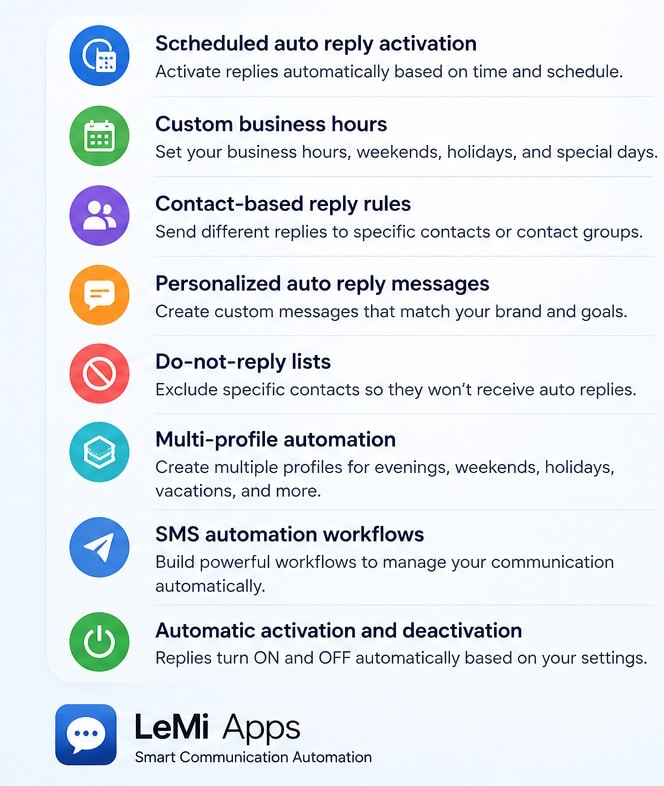
LeMi Apps provides flexible after-hours communication automation for businesses, professionals, and service providers.
Key capabilities include:
- Scheduled auto reply activation
- Custom business hours
- Contact-based reply rules
- Personalized auto reply messages
- Do-not-reply lists
- Multi-profile automation
- SMS automation workflows
- Automatic activation and deactivation
Businesses can create separate profiles for evenings, weekends, holidays, vacations, customer support, and temporary closures.
After-Hours Auto Reply vs Voicemail
Many businesses rely on voicemail after business hours.
However voicemail requires customers to leave a message and wait for a response.
After-Hours Auto Reply immediately acknowledges incoming communication, confirms message receipt, and helps set customer expectations.
Businesses often use both voicemail and automated messaging together to improve responsiveness.
Why Businesses Use After-Hours Communication Automation
Customer expectations continue to evolve. Many customers expect immediate acknowledgment, even when businesses are closed.
An automated response helps businesses:
Improve Customer Experience
Customers receive an immediate acknowledgment instead of wondering whether their message was received.
Capture Leads Around the Clock
Potential customers often contact businesses during evenings, weekends, and holidays. Automatic responses help maintain engagement until staff members become available.
Reduce Missed Opportunities
A timely response can help reduce communication gaps that may result in lost inquiries.
Maintain Professional Communication
Consistent messaging creates a more professional customer experience.
Common After-Hours Auto Reply Examples
Businesses use different messages depending on their communication goals.
General Business Closure Message
“Thank you for contacting us. Our office is currently closed. We will respond during our next business day.”
Lead Generation Message
“Thank you for your inquiry. Our team will contact you shortly. In the meantime, visit our website for additional information.”
Customer Support Message
“We have received your message. Support requests are reviewed during business hours.”
Holiday Closure Message
“Our office is currently closed for the holiday period. We will respond as soon as normal operations resume.”
Real Estate Inquiry Example
“Thank you for contacting us about a property. We have received your inquiry and will respond during our next business hours.”
Industries That Use After-Hours Auto Reply
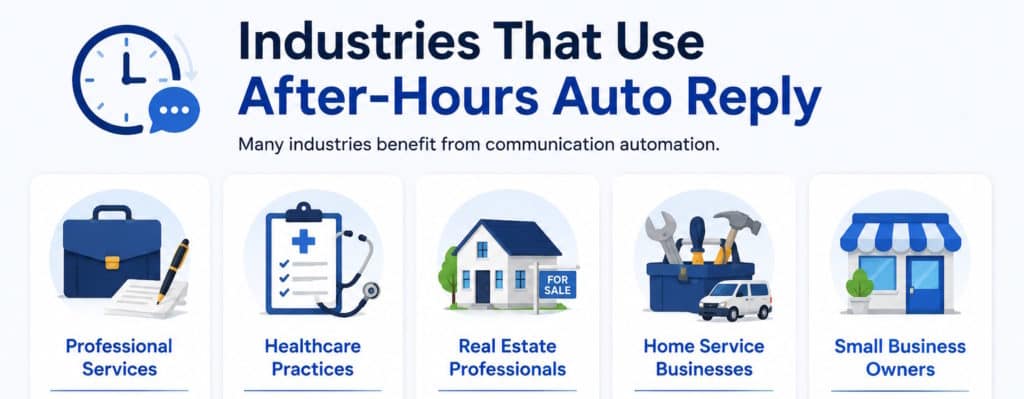
Many industries benefit from communication automation.
Professional Services
Consultants, attorneys, accountants, and agencies frequently use after-hours messaging to maintain responsiveness.
Healthcare Practices
Medical offices can acknowledge appointment requests and patient inquiries outside operating hours.
Real Estate Professionals
Agents often receive inquiries after traditional office hours and use automation to acknowledge prospective buyers and sellers.
Home Service Businesses
Contractors, electricians, plumbers, and field service providers use automatic responses to capture leads at all times.
Small Business Owners
Small teams often rely on automation to provide customer communication continuity.
How After-Hours Auto Reply Works
The process is simple and automated.
Step 1 – Create an Auto Reply Message
Configure the response customers will receive.
Step 2 – Set Business Hours
Define operating hours, weekends, holidays, or custom schedules.
Step 3 – Activate Automation
The system automatically sends replies when messages arrive outside scheduled availability periods.
Step 4 – Resume Normal Communication
Replies automatically stop when business hours begin again.
Learn more about SMS automation
Why Immediate Responses Matter
According to research from HubSpot, customers increasingly expect businesses to respond quickly to inquiries.
Immediate acknowledgment helps reassure customers that their message has been received and can improve overall customer experience.
Research consistently shows that customers prefer businesses that acknowledge inquiries quickly, even when a complete response cannot be provided immediately.
Advanced After-Hours Communication Features
Scheduled Activation
Automation can start and stop based on predefined schedules.
Contact-Based Rules
Different customer groups can receive different responses.
Do Not Reply Lists
Exclude selected contacts or communication categories.
Personalized Auto Replies
Create custom messages for customers, clients, prospects, or internal contacts.
Flexible Scheduling
Businesses can configure weekday schedules, weekends, holidays, recurring events, or temporary closures.
Multiple Communication Profiles
Different departments can use separate communication workflows.
Benefits of After-Hours Auto Reply
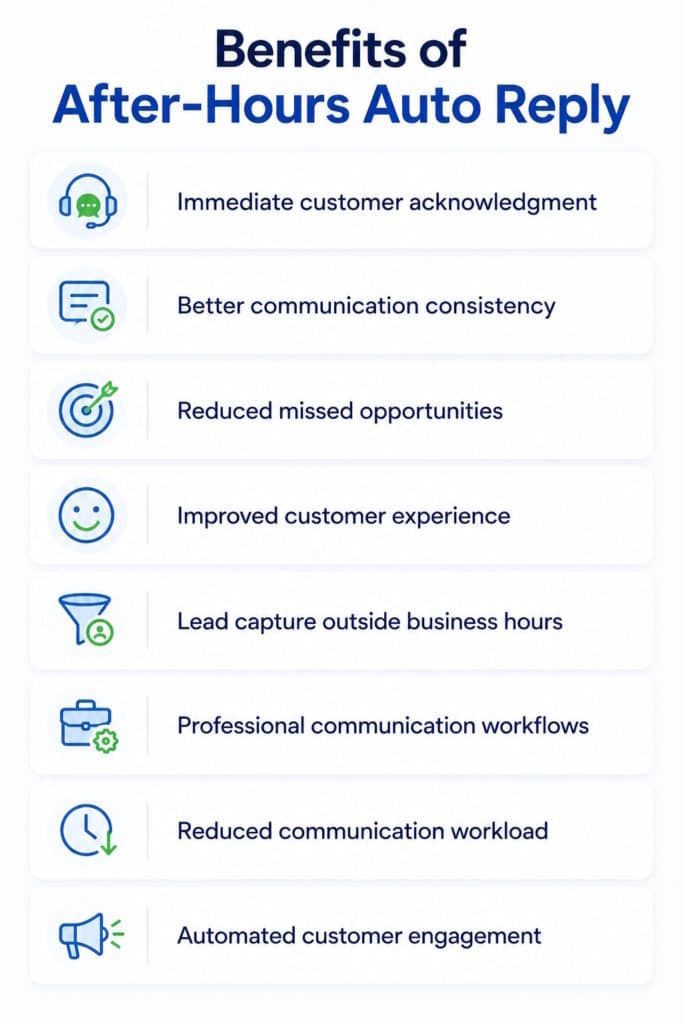
- Immediate customer acknowledgment
- Better communication consistency
- Reduced missed opportunities
- Improved customer experience
- Lead capture outside business hours
- Professional communication workflows
- Reduced communication workload
- Automated customer engagement
After-Hours Auto Reply vs Manual Responses
Manual communication requires staff availability and often creates delays.
Automated communication provides immediate acknowledgment regardless of staff availability, helping businesses remain responsive while reducing operational workload.
According to the U.S. Small Business Administration (SBA), responsiveness and customer service remain important factors in customer retention and business growth.
Businesses using automation can maintain communication continuity even when employees are unavailable.
Best Practices for After-Hours Communication
Keep Messages Clear
Inform customers that their message was received and explain when a response can be expected.
Set Realistic Expectations
Avoid promising response times that cannot be consistently achieved.
Include Helpful Resources
Provide links to FAQs, websites, booking pages, or support resources when appropriate.
Update Messages Regularly
Adjust messages for holidays, seasonal schedules, and operational changes.
For communication best practices, see guidance from the U.S. Small Business Administration
Customer service communication recommendations are also available from HubSpot
Start Using After-Hours Auto Reply
Whether you run a small business, professional practice, or customer service operation, After-Hours Auto Reply helps maintain communication when your business is unavailable.
Automated responses can improve customer experience, capture opportunities, and keep communication flowing around the clock.
Start Using After-Hours Auto Reply Today
Frequently Asked Questions
What is After-Hours Auto Reply?
After-Hours Auto Reply automatically sends responses when customers contact you outside your defined business hours.
Can I schedule when automatic replies are sent?
Yes. Scheduled automation allows replies to activate and deactivate automatically based on business hours, weekends, holidays, or custom schedules.
Can I create different after-hours messages?
Yes. Different communication profiles can use different messages depending on your business needs.
Is After-Hours Auto Reply useful for small businesses?
Yes. Small businesses frequently use communication automation to remain responsive even when staff members are unavailable.
Can I stop automatic replies during business hours?
Yes. Automation can automatically disable itself when normal operating hours begin.
Can I customize my after-hours message?
Yes. Messages can be customized to match your business communication style and objectives.
Can I create different after-hours replies for different contacts?
Yes. Contact-based automation can send different responses to customers, prospects, employees, or selected contact groups.
Can After-Hours Auto Reply work on weekends and holidays?
Yes. Automation schedules can be configured for evenings, weekends, holidays, and temporary business closures.
Can After-Hours Auto Reply help capture business leads?
Yes. Many businesses use automatic replies to acknowledge inquiries, provide information, and keep potential customers engaged until staff members are available.
Is After-Hours Auto Reply useful for customer service teams?
Yes. Customer service departments often use automated responses to confirm message receipt and provide expected response times.
Can I temporarily activate After-Hours Auto Reply?
Yes. Temporary schedules can be created for vacations, training sessions, conferences, special events, or other periods when staff members are unavailable.